



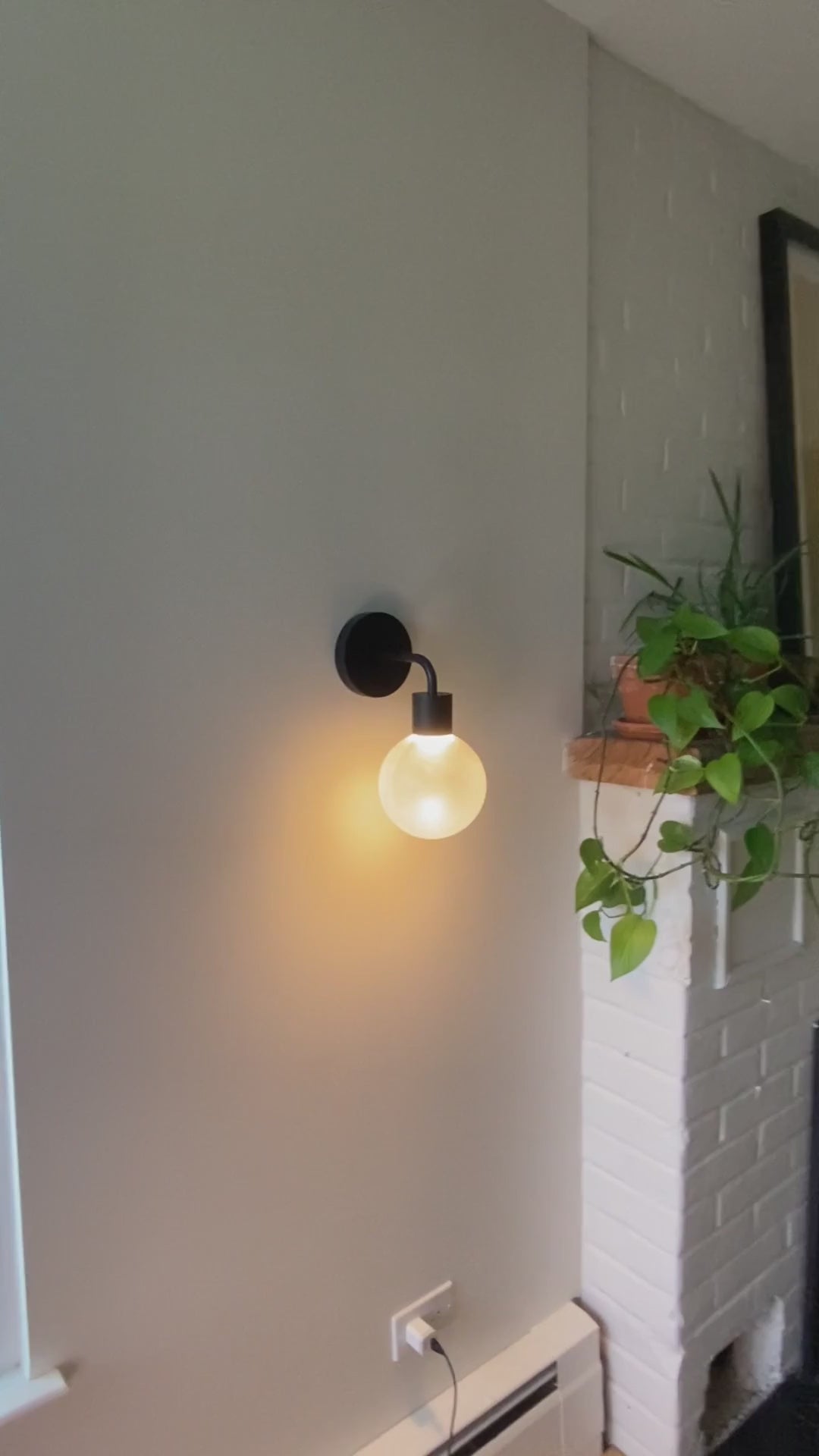

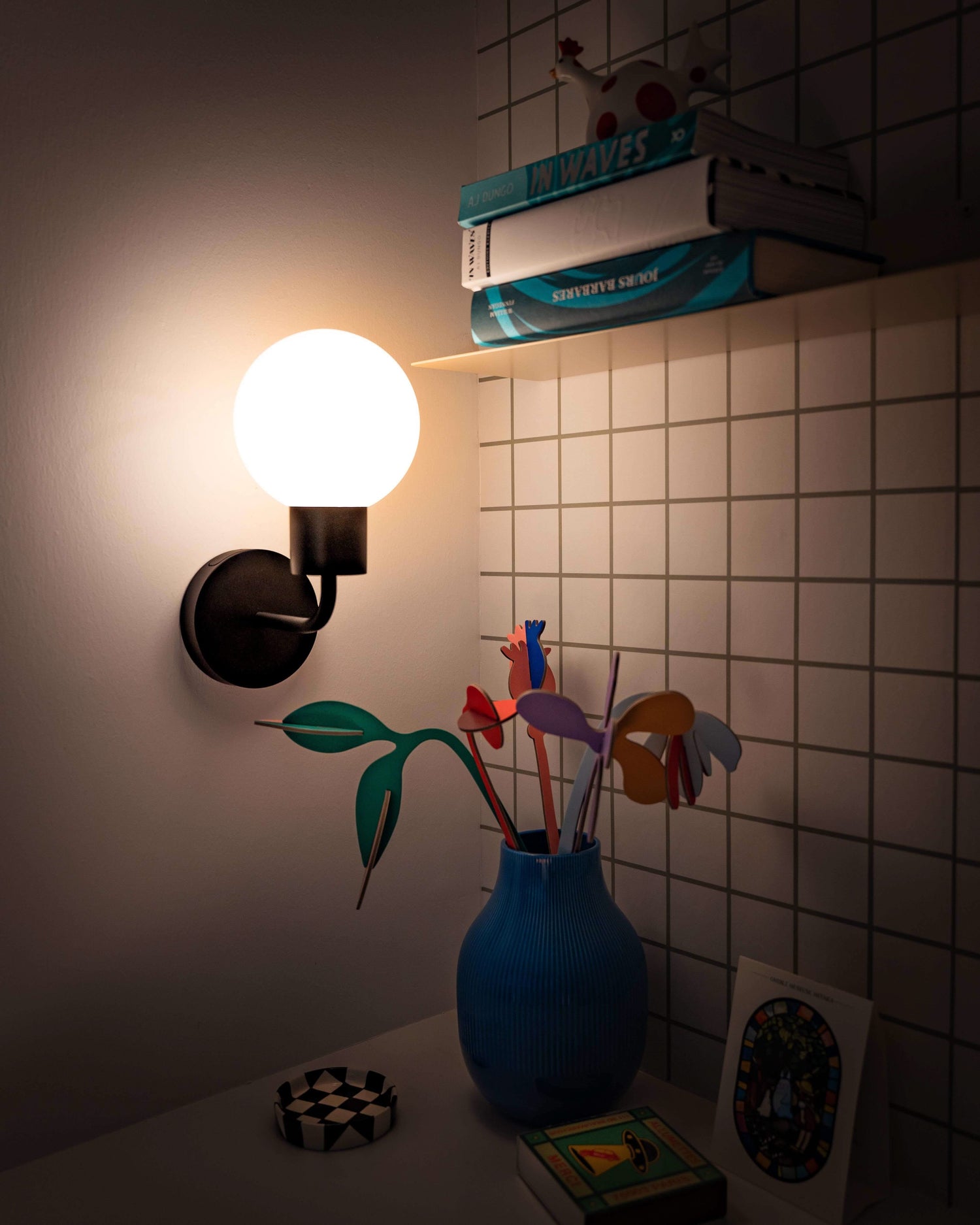


Matte Black
Over 10,000+ sold
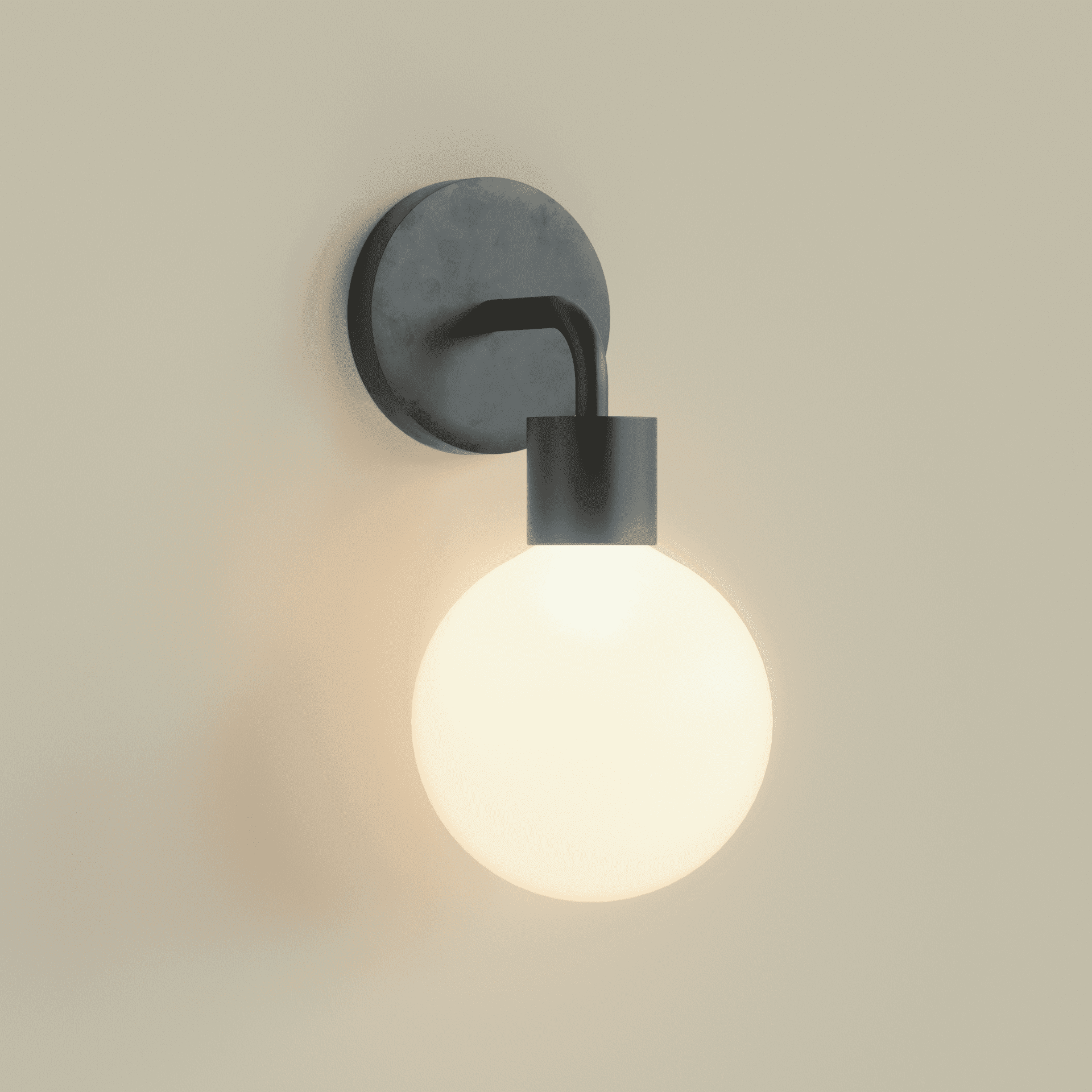
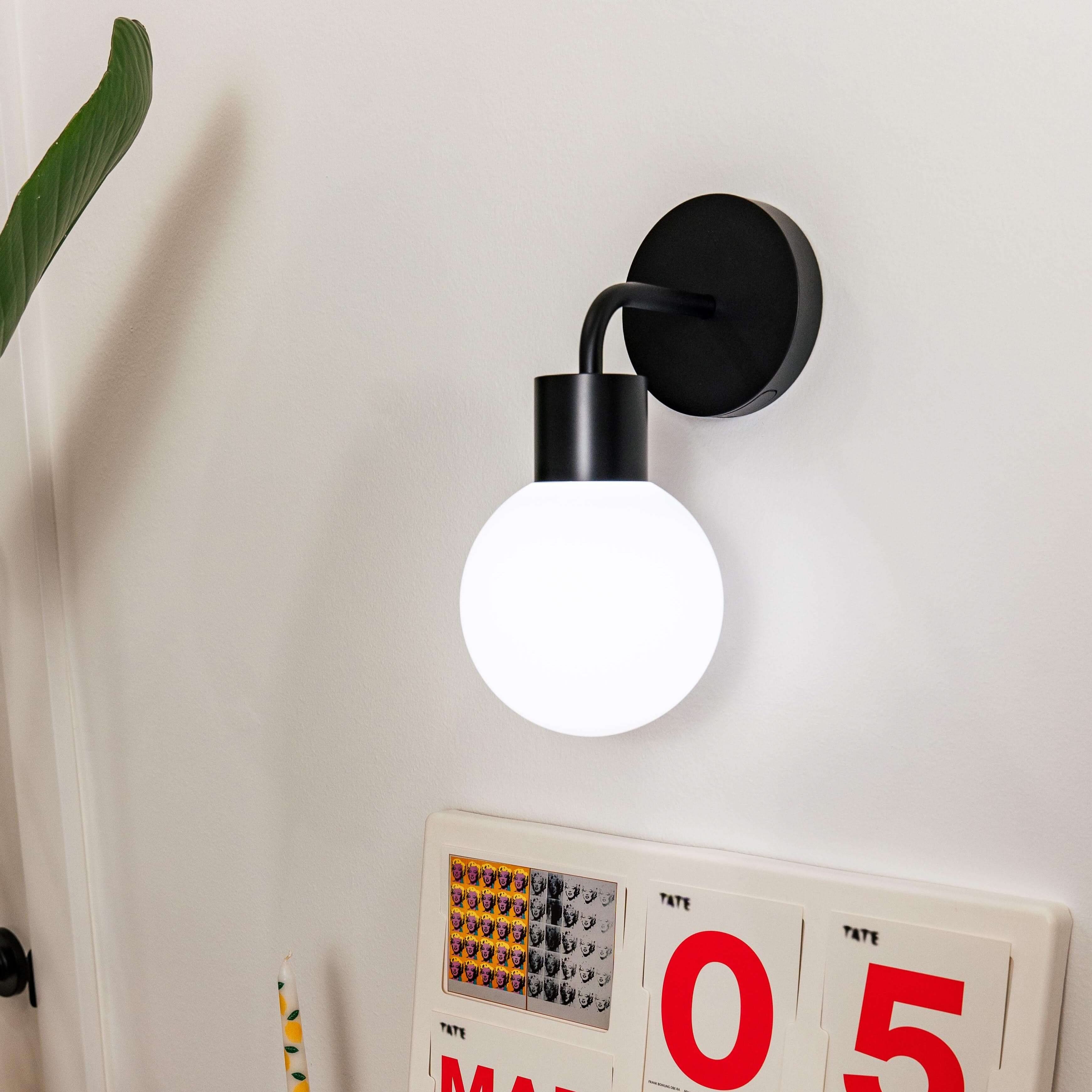
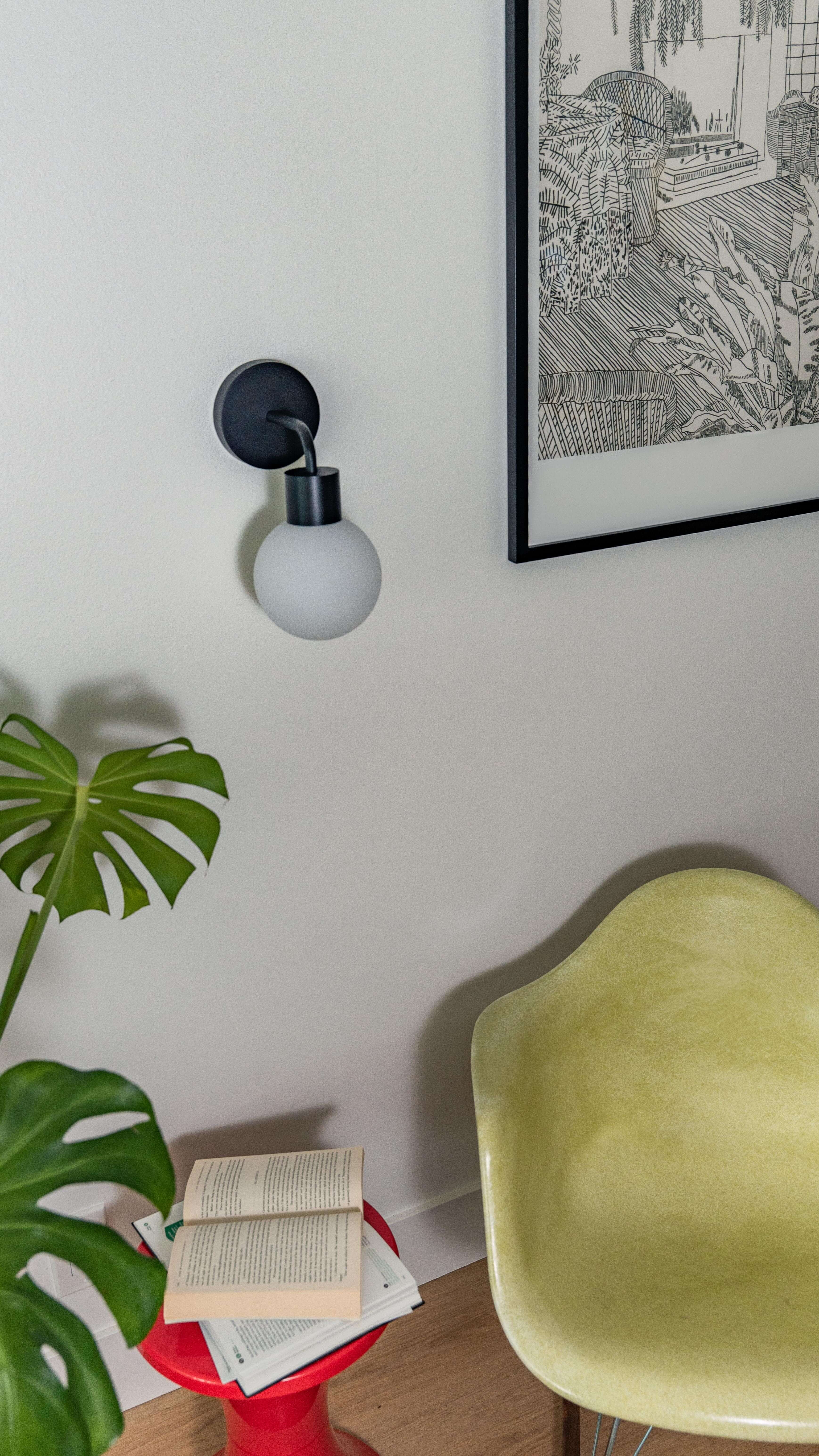
Cozy, warm light temperature (2700K)
Installs in seconds without tools


- Regular price
-
$99.00 - Regular price
-
- Sale price
-
$99.00

10,000+ HAPPY CUSTOMERS

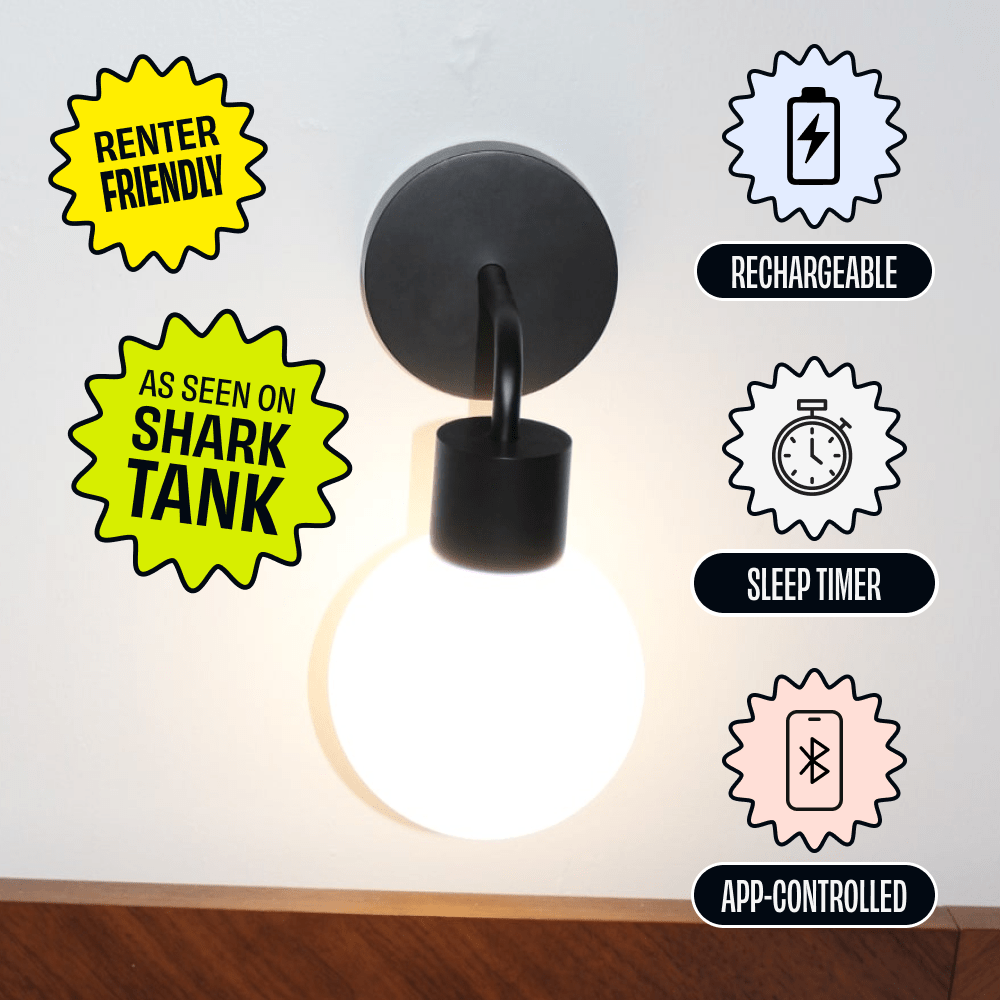
AS SEEN ON SHARK TANK

EASY RENTER FRIENDLY SETUP
Rechargeable, stick-on wall lighting.
⏱ Instant Installation: Stick on in seconds - no tools, no wires.
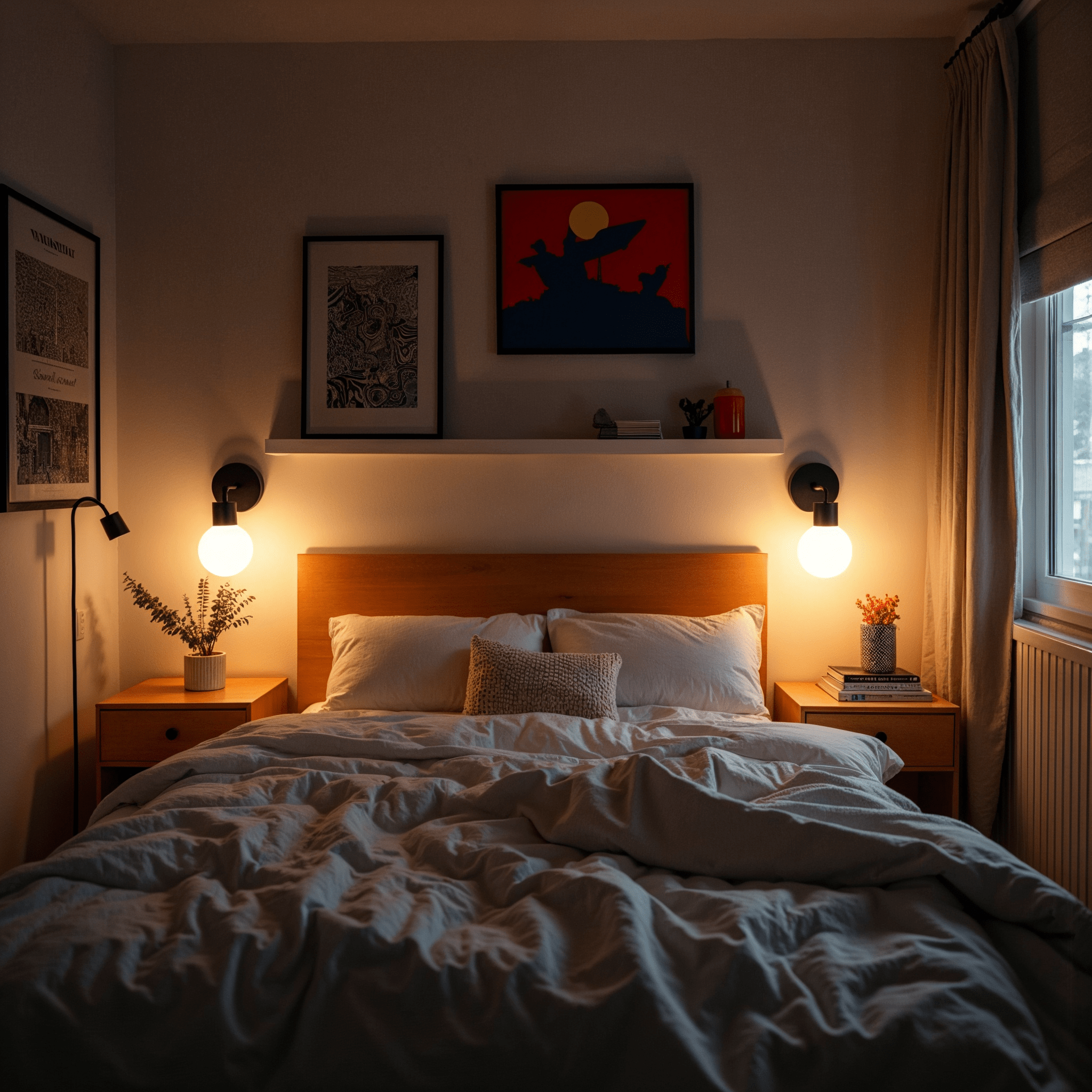
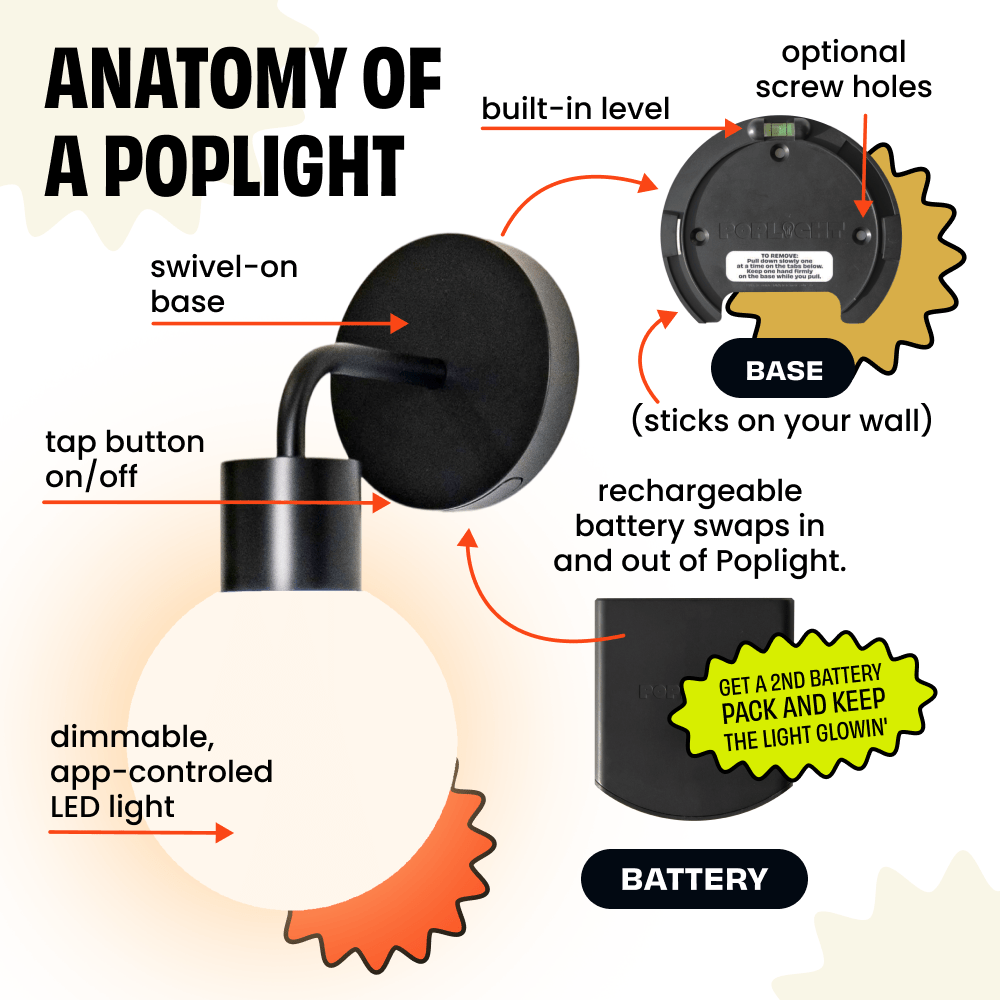
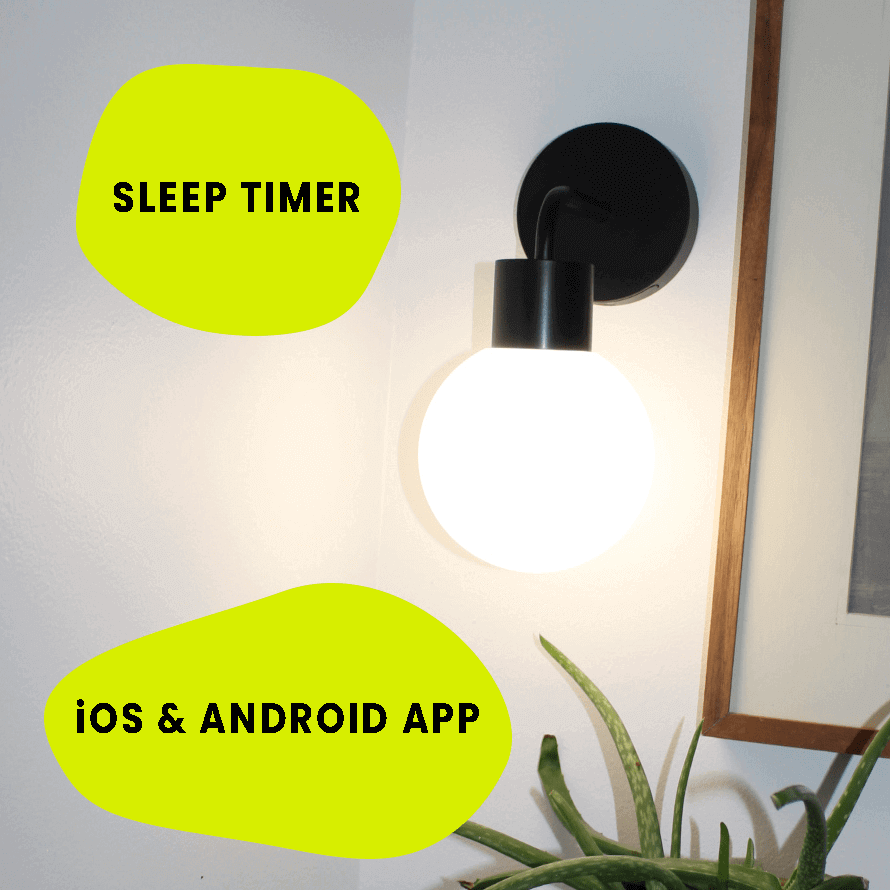
👉 Customizable Lighting: Dim, adjust color temperatures, group Poplights together, and set a sleep timer with the free Poplight app.
🔌 Convenient Recharge: Hassle-free USB-C power.
💗 Comes with everything you need: Battery, charging cord, and one pair of tape.
Couldn't load pickup availability




BUT you can use the free Poplight app for iOS and Android to unlock smart features:
- Toggle between 3 built in color temperatures (warm, cool, and neutral)
- Dim your Poplights
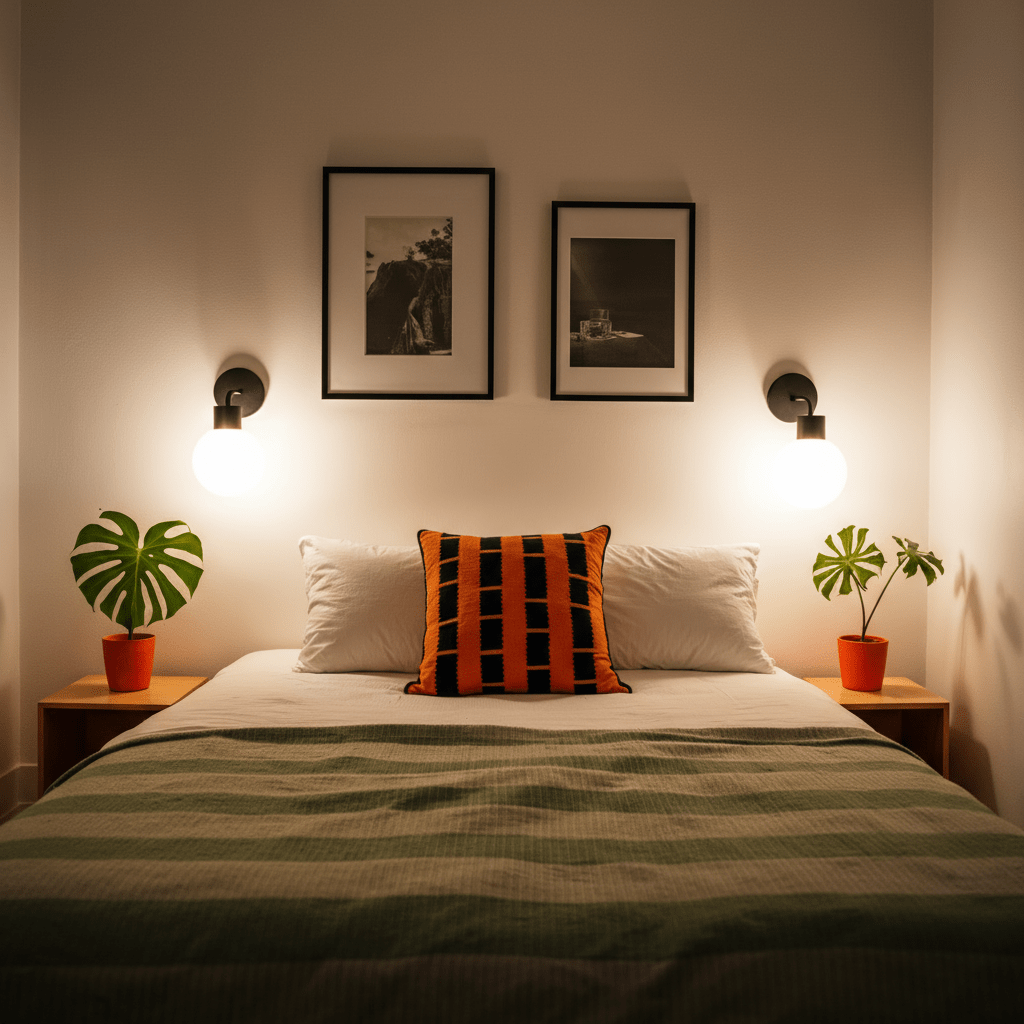
- Name your Poplights (ie. 'Right Side of Bed' and 'Left Side of Bed')
- Group your Poplights together so you can control your Poplights in one click
- Check the battery level
You can also leave Poplight plugged in if you have an outlet nearby. And if you don't, you can easily pop out the battery pack and charge where you do.

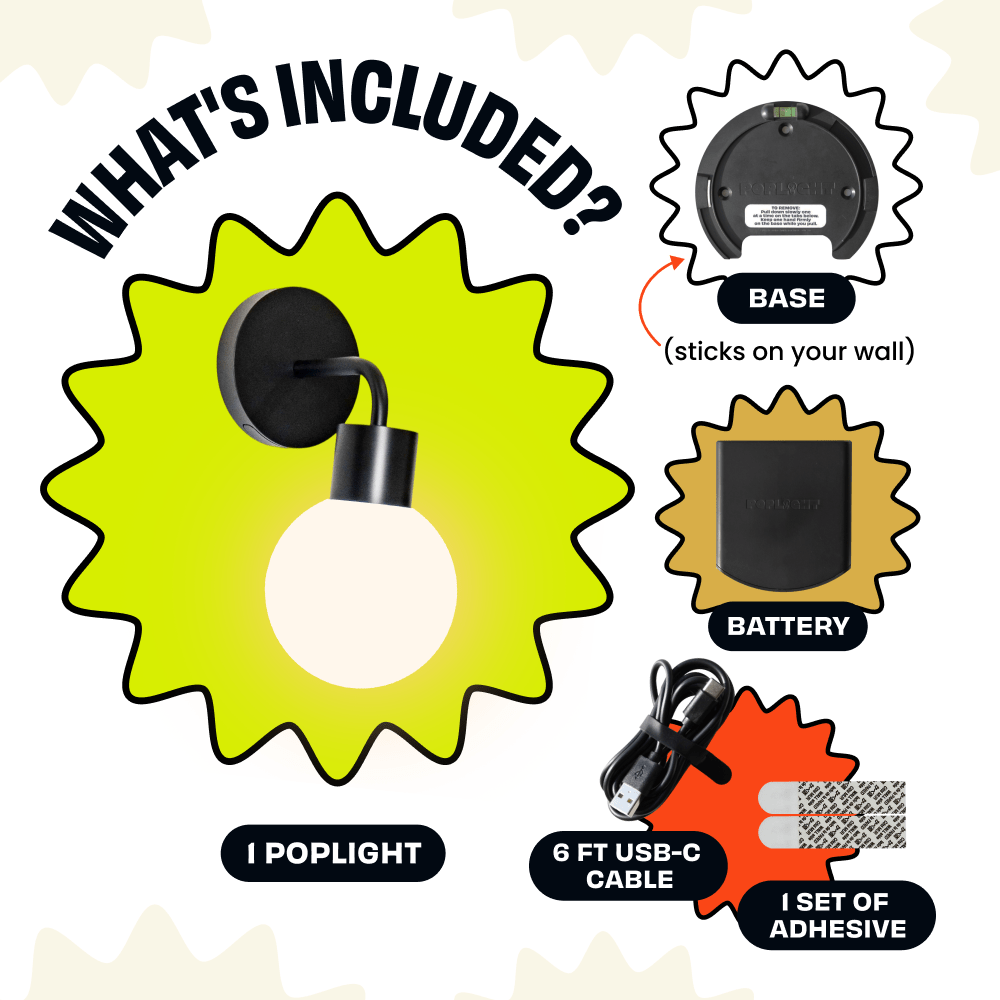
Everything you need to install Poplight in seconds!
 1 Poplight base
- 1 Poplight light fixture
- 1 Poplight USB-C rechargeable battery pack
- 6 foot USB-C charging cord
- 1 pair of double-sided tape
- Height: 11 inches (283mm)
- Width: 5.3 inches (136mm)
- Depth: 7.9 inches (200 mm)Poplight is made with love, but here are some of the other ingredients:
The globe of Poplight is polycarbonate (not glass).
The arm of Poplight is metal.
The piece that sticks on your wall is ABS or high end consumer plastic.
Poplight is designed for interior use only. We recommend cleaning your wall with isopropyl alcohol before installing Poplight if you want to ensure the most secure installation.
Here are the types of surfaces Poplight does great on!
- Painted walls (brick, cement, drywall, or plaster!)
- Finished wood
- Tile (Poplight does great in a bathroom! 🛀 Although Poplight is not waterproof, she can get a little steamy.🥵)
- Glass
- Metal
All orders ship next business day! Our typical shipping time is 3-4 days for the US and 5-7 for Canadian orders.
We want you to LOVE your Poplights! But if you change your mind, you'll have 30 days to process a return. You'll be responsible for the return label and we only accept returns in the original packaging.
How bright is Poplight?
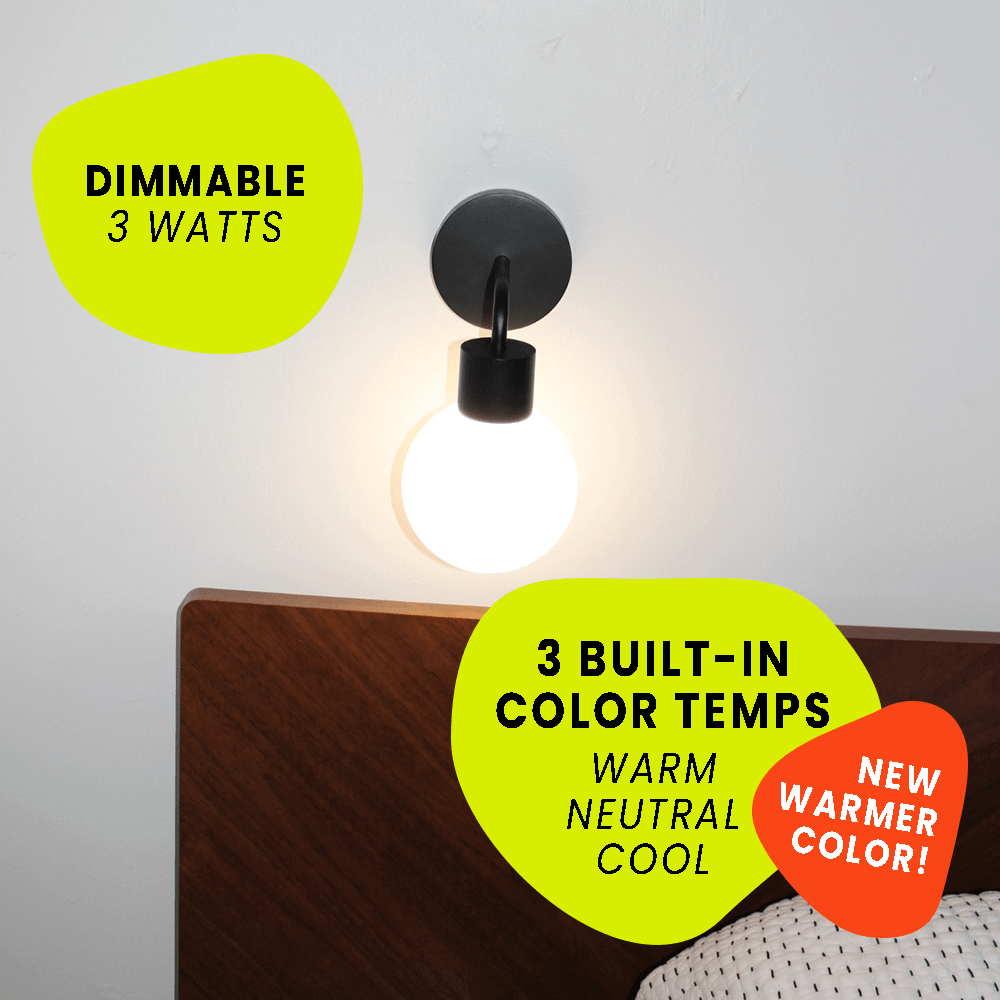
3 watts of brightness: (or about 300 lumens) perfect for accent lighting, night time reading, or adding ambiance to your favorite spaces.
Can I change Poplight's bulb?
Poplight uses an LED instead of a traditional light bulb (it's SO much more energy efficient), so there is no bulb to change. 🙅♀️
BUT you can use the free Poplight app for iOS and Android to unlock smart features:
- Toggle between 3 built in color temperatures (warm, cool, and neutral)
- Dim your Poplights
- Name your Poplights (ie. 'Right Side of Bed' and 'Left Side of Bed')
- Group your Poplights together so you can control your Poplights in one click
- Check the battery level
How long does the battery last?
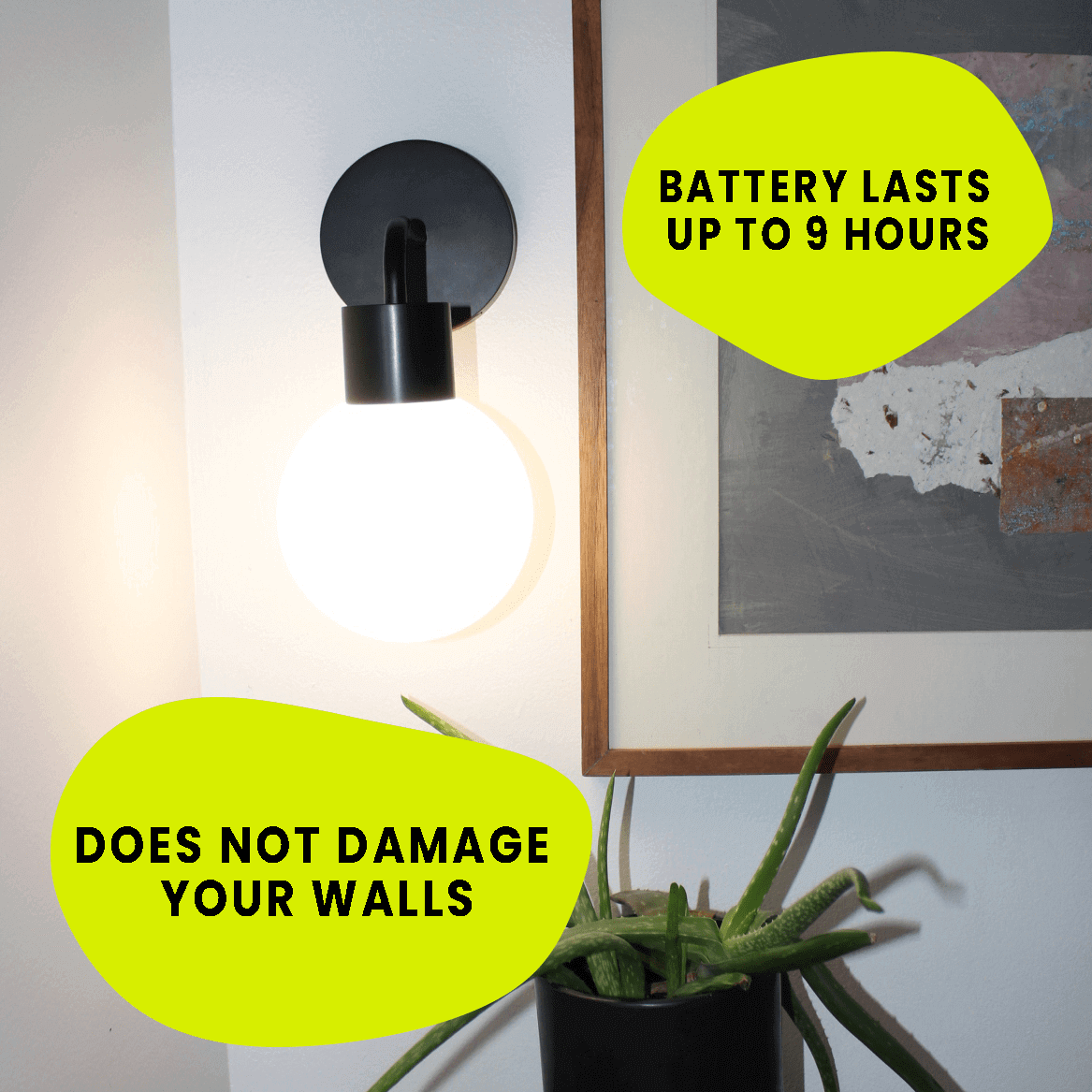
Poplight's USB-C rechargeable battery lasts 9 hours from a full charge!
You can also leave Poplight plugged in if you have an outlet nearby. And if you don't, you can easily pop out the battery pack and charge where you do.
What's included?
Everything you need to install Poplight in seconds!
✨ 1 Poplight base
✨ 1 Poplight light fixture
✨ 1 Poplight USB-C rechargeable battery pack
✨ 6 foot USB-C charging cord
✨ 1 pair of double-sided tape
What are Poplight's dimensions?
- Height: 11 inches (283mm)
- Width: 5.3 inches (136mm)
- Depth: 7.9 inches (200 mm)
What is Poplight made of?
Poplight is made with love, but here are some of the other ingredients:
The globe of Poplight is polycarbonate (not glass).
The arm of Poplight is metal.
The piece that sticks on your wall is ABS or high end consumer plastic.
What type of wall can I install Poplight?
Poplight is designed for interior use only. We recommend cleaning your wall with isopropyl alcohol before installing Poplight if you want to ensure the most secure installation.
Here are the types of surfaces Poplight does great on!
- Painted walls (brick, cement, drywall, or plaster!)
- Finished wood
- Tile (Poplight does great in a bathroom! 🛀 Although Poplight is not waterproof, she can get a little steamy. 🥵)
- Glass
- Metal
How long will it take to get my Poplight?
All orders ship next business day! Our typical shipping time is 3-4 days for the US and 5-7 for Canadian orders.
What's your return policy?
We want you to LOVE your Poplights! But if you change your mind, you'll have 30 days to process a return. You'll be responsible for the return label and we only accept returns in the original packaging.
How Poplight Installs in Seconds
How Poplight Installs in Seconds

WHY YOU'LL LOVE POPLIGHT
WHY YOU'LL LOVE
POPLIGHT

USB-C RECHARGEABLE
Up to 9 hours of light, or
keep it plugged in or swap
in a new battery.

3 COLOR
TEMPERATURES
Switch between warm,
cool, or daylight tones.

APP CONTROL
Change settings from your phone, effortlessly!

DIMMABLE
Set the vibe just right.


RENTER FRIENDLY
No marks, no stress, your
landlord will never know!

SLEEP TIMER
Auto shut-off = beauty rest
mode.

RE-INSTALLS ENDLESSLY
Re-stick with fresh tape anytime.

ENERGY EFFICIENT LED
Planet-friendly
and no disposable batteries.

Rated 4.84 by our happy customers
What's included with Each Poplight
(everything you need)
What's included with Each Poplight
(everything you need)



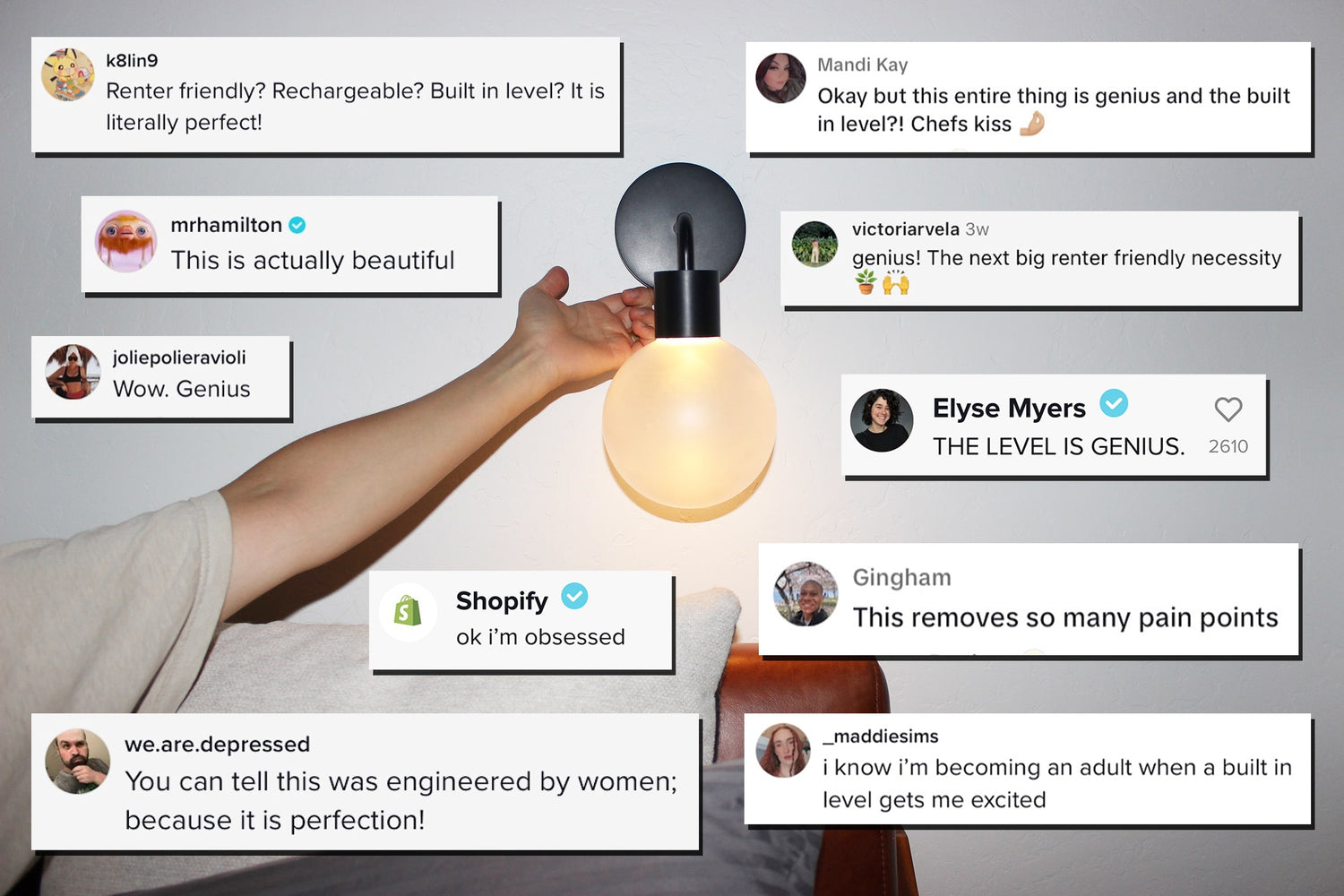
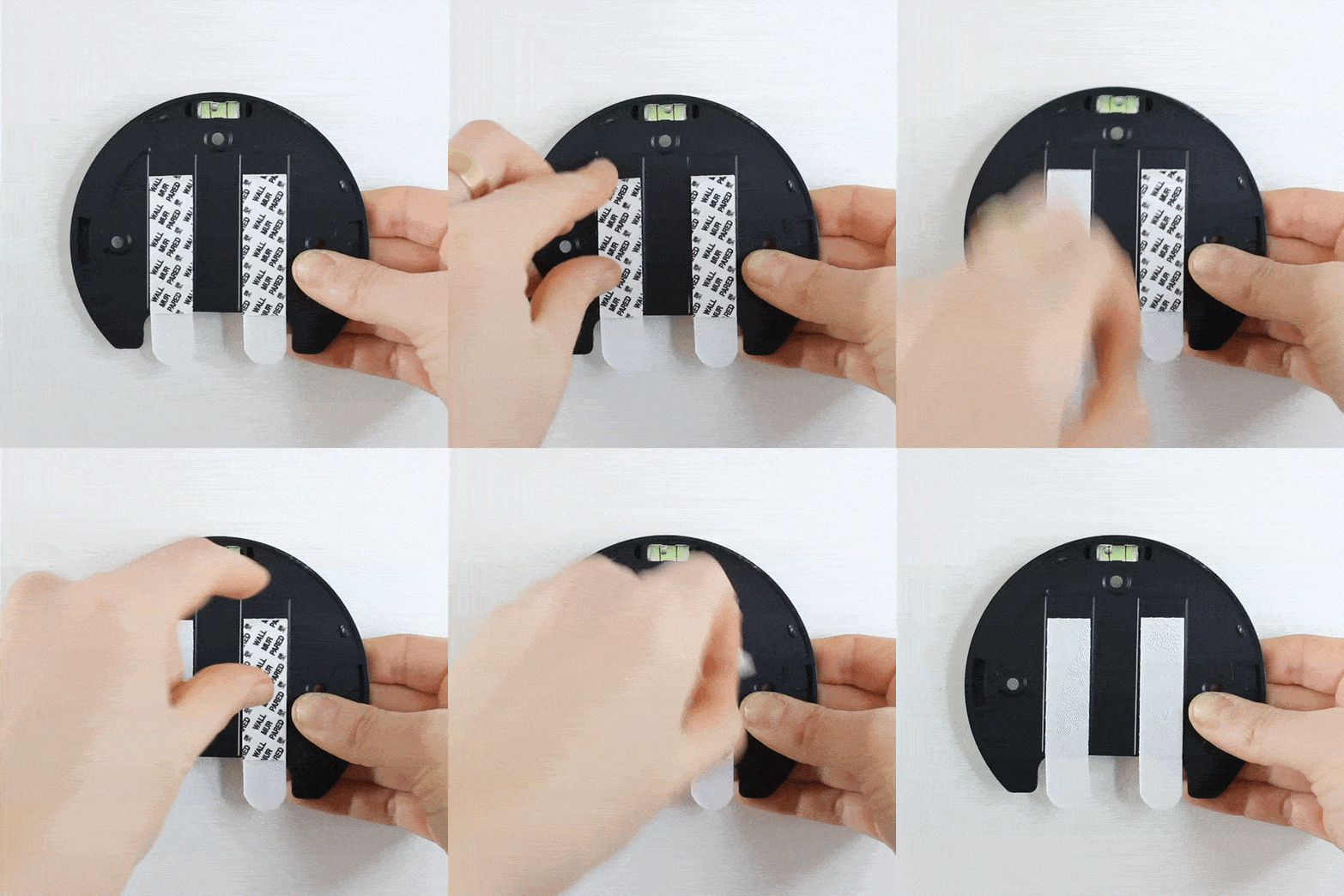
Here's how Poplight works 👇
Step 1
Peel
Remove the paper from the double sided sticky tape and get Poplight ready to install! 💡
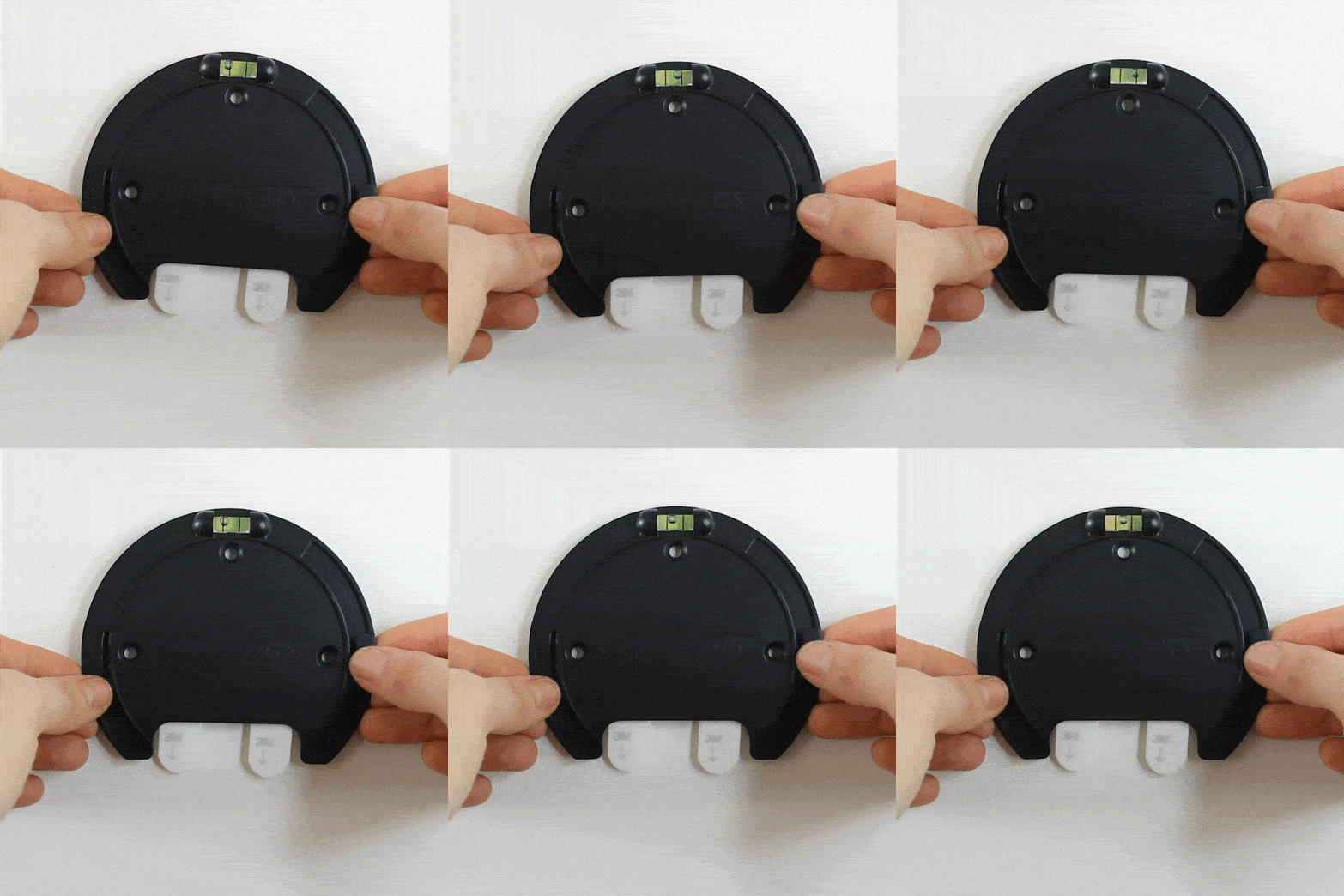
Step 2
LEVEL & PRESS
Use the built-in level to get Poplight *perfect* on your wall. Then, press down firmly on the Poplight base!
No tools needed! 🙅♂️ 🛠
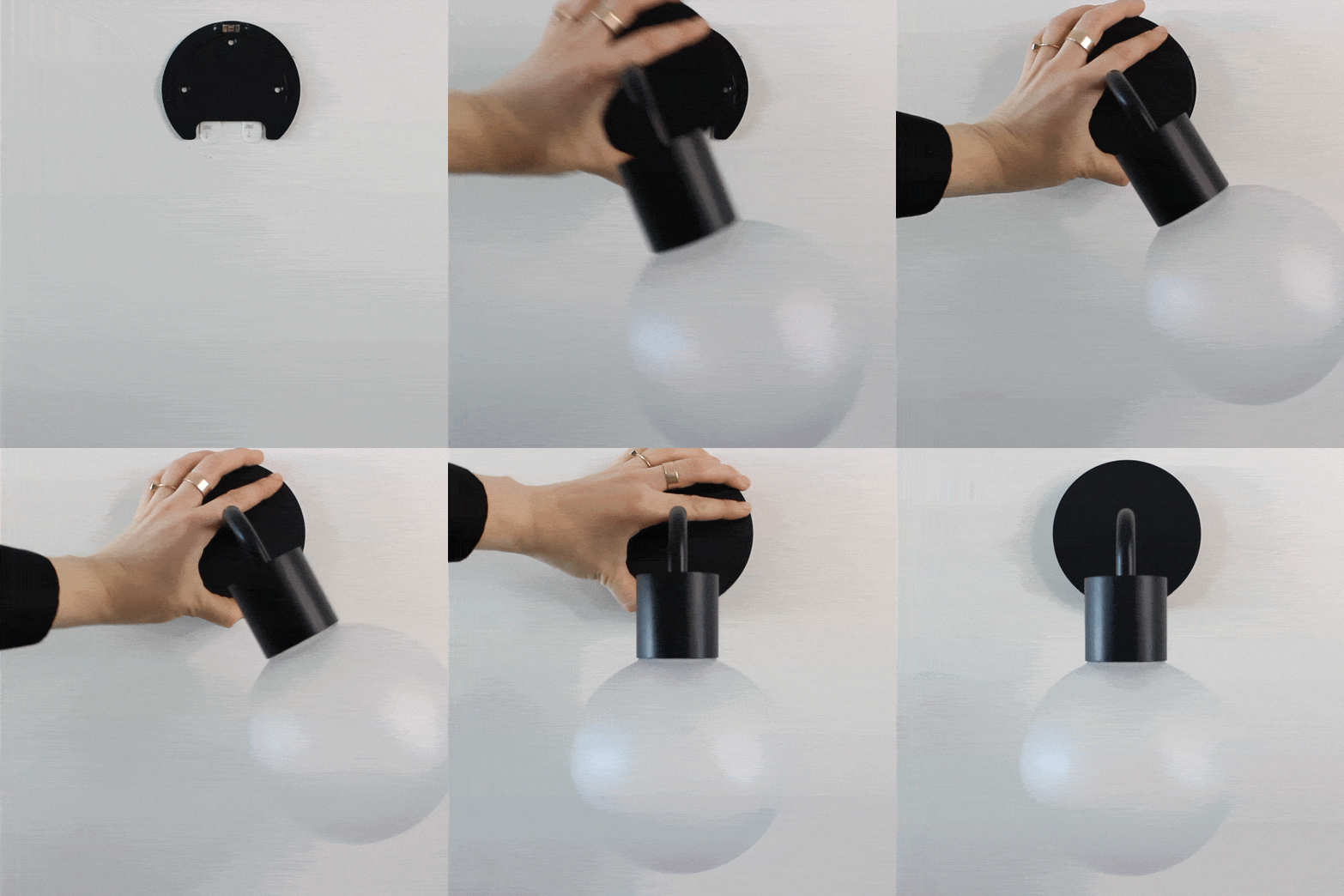
Step 3
SWIVEL
Swivel and click Poplight onto the base. 💥
You just installed wall lighting in seconds ⏰
More reasons why Poplight is the best renter friendly wall light you know 👇
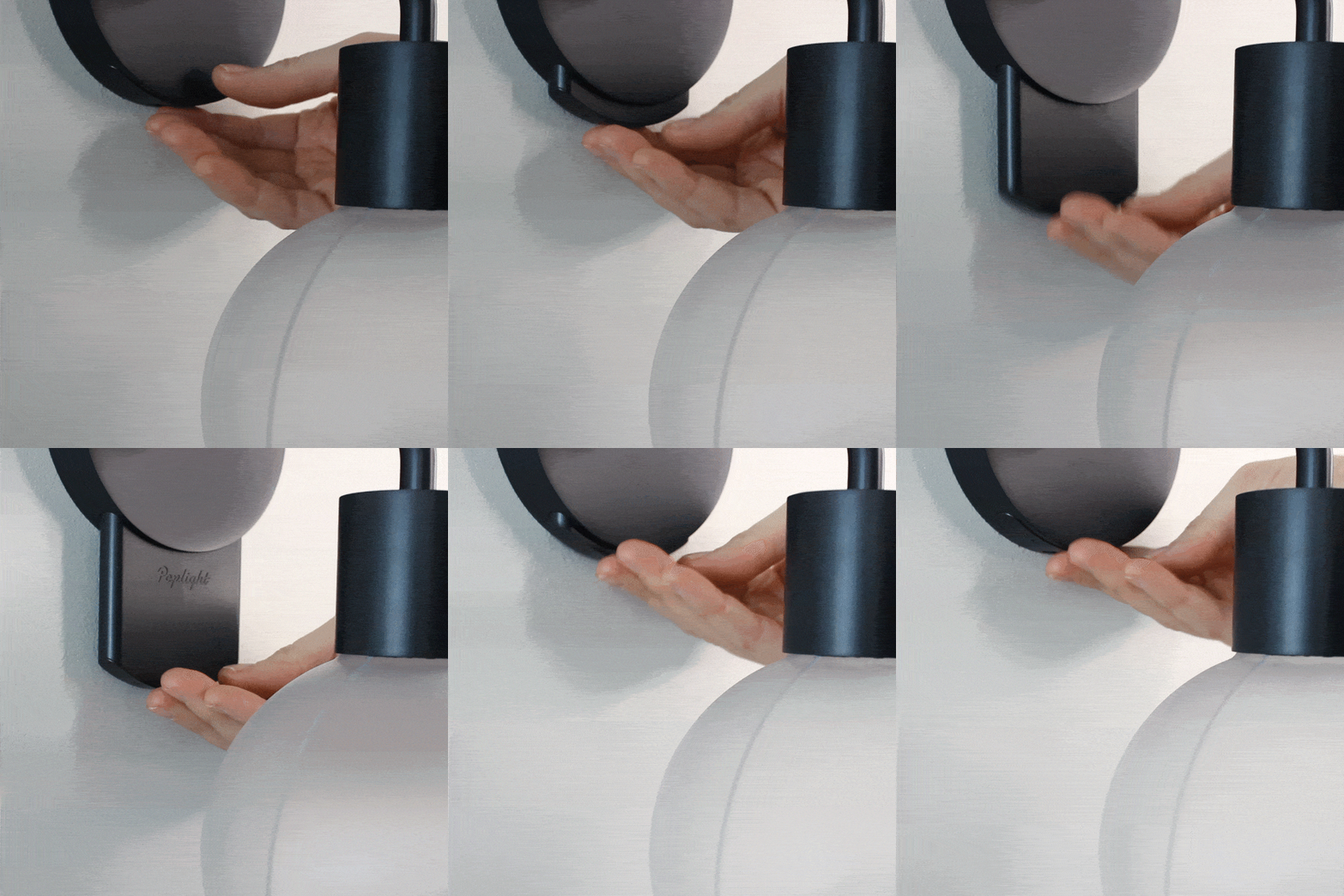
USB-C RECHARGEABLE BATTERY ⚡️
LASTS FOR 9 HOURS at full brightness from a full charge. 🔌
Battery is REMOVABLE so you can install Poplight without worrying about being near an outlet.
Uses an LED instead of a traditional light bulb because she's ENERGY EFFICIENT 🌍
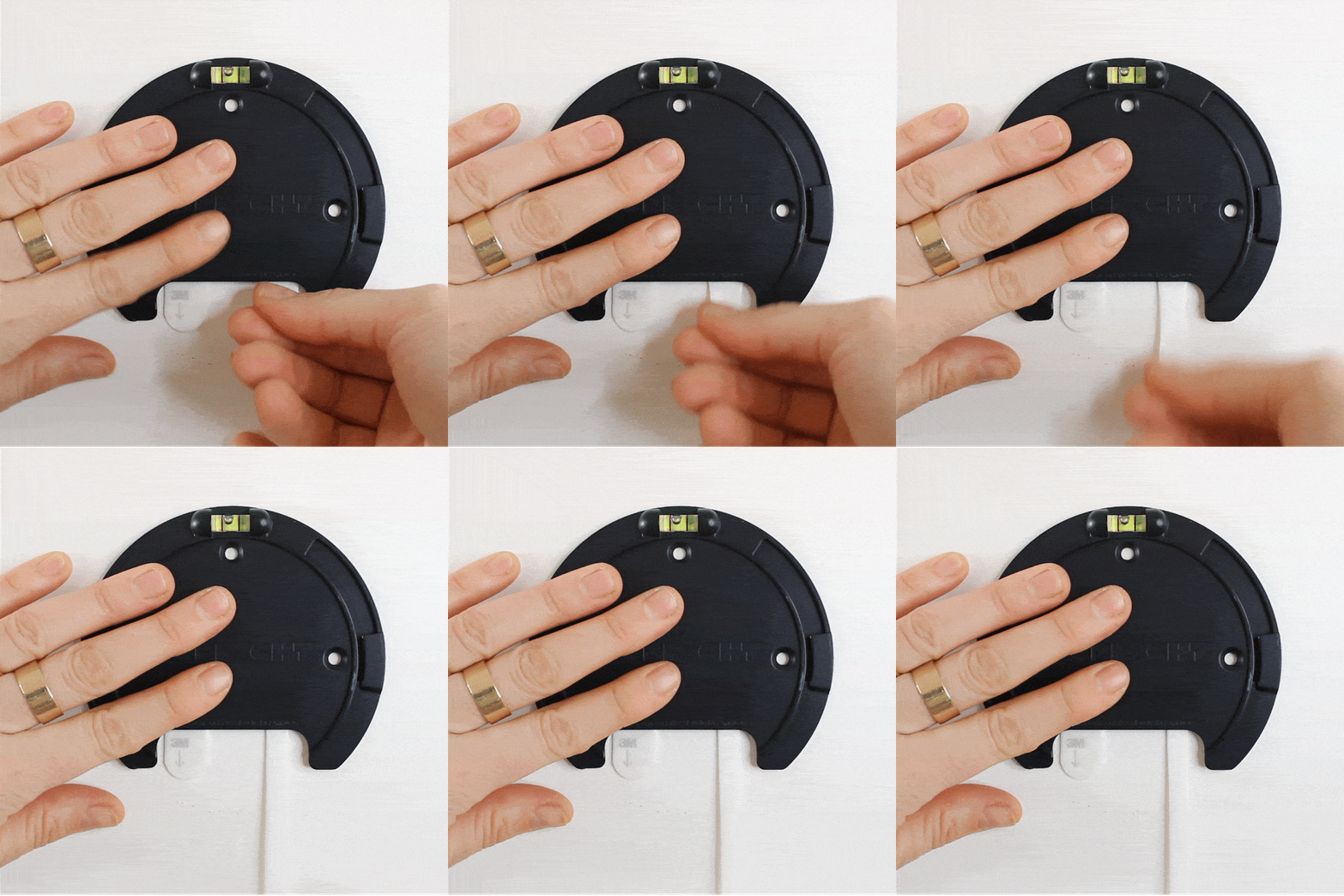
REMOVES WITHOUT CAUSING DAMAGE💨
Love to redecorate? Moving out?
Pull down slowly on the double sided sticky tape to remove the base WITHOUT DAMAGING YOUR WALLS.
Your landlord will never know. 🤫
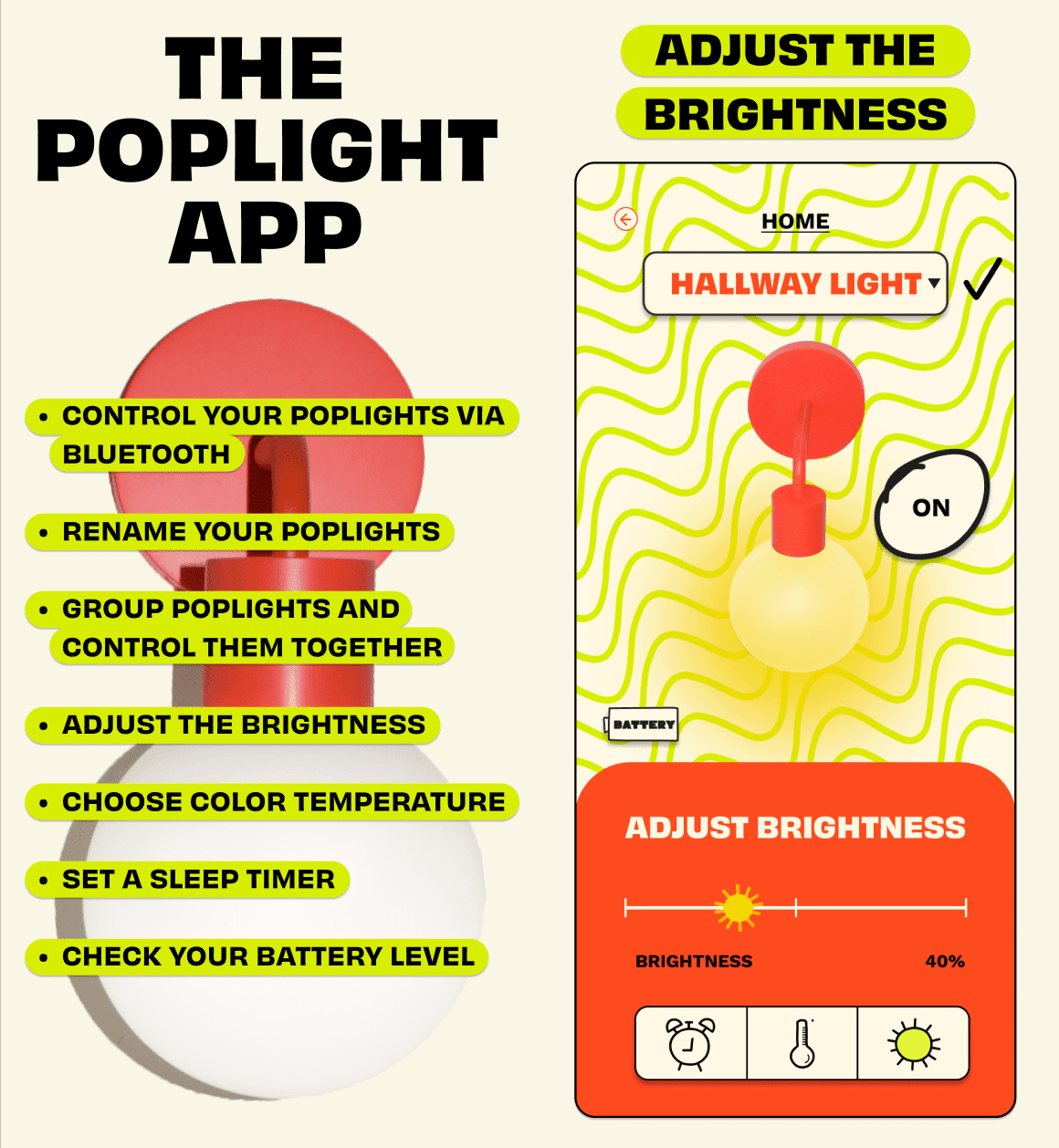
HAS ITS OWN APP 💅
Available for iOS and Android, the Poplight app let's you:
😎 Name your Poplights
👆 Group Poplights and control them together
🔅 Adjust the brightness
🎨 Toggle between three color temperatures (warm, neutral, and cool)
💤 Set a sleep timer
🔋Check the battery level

